

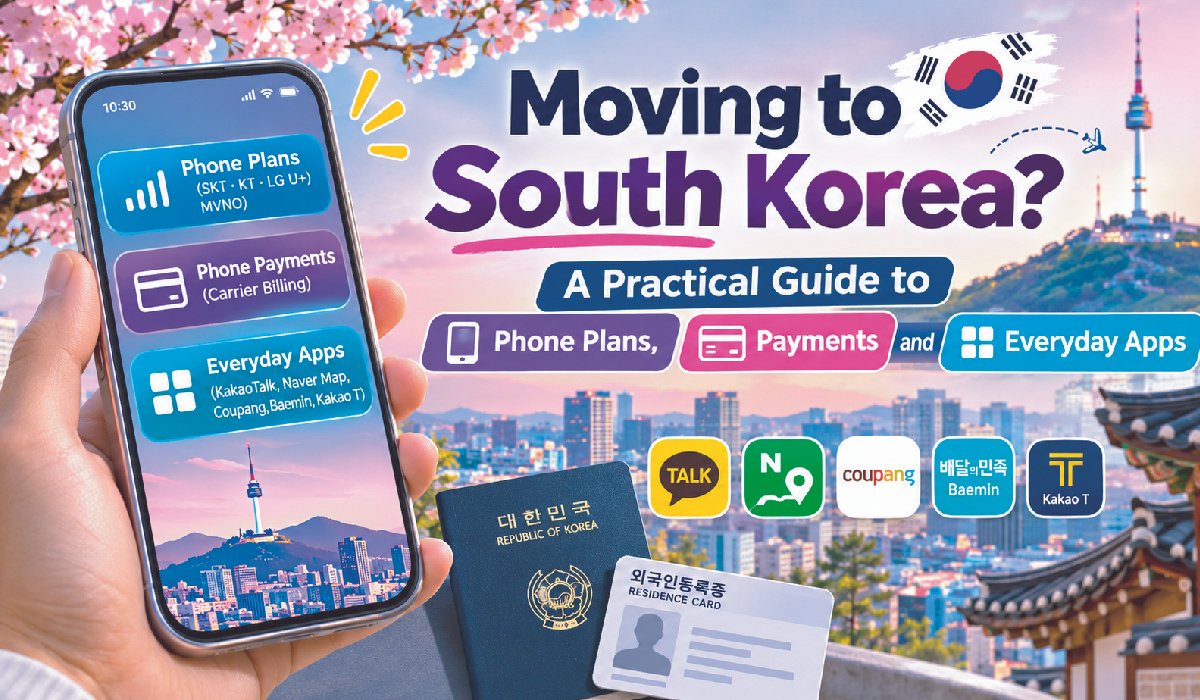
South Korea consistently ranks among the most connected countries in the world. Internet speeds are fast, public Wi-Fi is everywhere, and almost every part of daily life, from ordering dinner to booking a doctor’s appointment, runs through a smartphone. For newcomers, that is both exciting and a little overwhelming. Getting your phone set up correctly in the first weeks makes everything else easier.
This guide covers the essentials: choosing a phone plan, understanding how Koreans pay with their phones, and the everyday apps that make life in Korea smoother.
Step one: choosing a phone plan
Korea has three major mobile carriers, SKT, KT, and LG U+, along with dozens of budget operators that rent space on their networks. Budget operators, often called MVNOs or “alddeul” plans, are usually much cheaper and work perfectly well for most people, though customer service is more limited and some features may be restricted at first.
Short-term visitors often rely on prepaid SIM cards or eSIMs bought at the airport. Long-stay residents, students, and workers usually move to a postpaid contract once they have a residence card, because many Korean services expect a phone number registered in your own name. That real-name registration is important: banks, delivery apps, and government portals frequently use your phone number to confirm your identity.
When comparing plans, look beyond the monthly price. Check data allowances, whether tethering is included, international calling options, and contract length. Many carriers also offer discounts when you bundle home internet or add family members.
Step two: understanding phone-based payments
Korea’s payment landscape can feel unusual at first. Cards and mobile wallets are accepted almost everywhere, and cash is increasingly rare in cities. Alongside these familiar options, many Koreans also pay for purchases directly through their mobile phone bill.
This method, known as carrier billing, is especially common for digital goods. App store purchases, mobile games, webtoon coins, music and video subscriptions, and digital gift vouchers can all be charged to your phone account. You confirm the purchase with a one-time code, and the amount appears on your next monthly bill.
Each account has a monthly cap on these charges. Long-standing customers of the major carriers can often charge up to around 1,000,000 won per month, while new accounts start with much lower limits that rise gradually as you pay bills on time. Many carriers also track two separate caps: one for general purchases such as vouchers, and another for digital content such as apps and games. Either can be adjusted or turned off in the carrier’s app.
If you want a clear walkthrough of these settings, practical guides on phone payment settings explain how to raise or lower limits, unblock payments, and what happens to your allowance if a bill is paid late.
Step three: setting sensible limits
Carrier billing is convenient, but it is easy to lose track of small charges, especially subscriptions that renew automatically. A few habits help:
-
Review your monthly statement for digital content charges you do not recognize.
-
Lower the content limit, or block it entirely, if you rarely buy apps or games.
-
Set strict limits on any line used by children in your household.
-
Never share a payment code with anyone. Legitimate companies will not ask for it.
-
Do not install apps at a stranger’s request, especially remote-control software.
Because charges are billed later, it helps to think of the monthly allowance as part of next month’s budget. Missed phone bills can lead to reduced limits or blocked services, which can be a real inconvenience in a country where so much depends on your phone. Informational sites such as Cashday explain in plain language how these allowances and billing cycles work, which is useful context for newcomers.
Step four: the apps you will actually use
Once your phone is set up, a handful of apps will cover most of daily life:
-
KakaoTalk: the dominant messaging app, used for personal chats, work groups, and even customer service.
-
Naver Map or Kakao Map: far more accurate than global map apps for walking, public transport, and finding businesses.
-
Coupang and Baemin: for next-day shopping and food delivery.
-
Kakao T: for taxis, with clear pricing and in-app payment.
-
Your bank’s app: Korean banking is highly mobile, and transfers between accounts are instant.
Most of these apps work best with a Korean phone number in your name, which is another reason many residents switch from prepaid to postpaid plans early.
A note on opening a bank account
Your phone and your bank account are closely connected in Korea, so it is worth setting them up around the same time. Most banks ask for a residence card, a Korean phone number, and sometimes proof of employment or enrollment. Branches near universities and in neighborhoods with many foreign residents are often more familiar with the paperwork, and some offer English-speaking staff on certain days.
Once your account is open, the bank’s app becomes one of the most important tools on your phone. Instant transfers are standard, splitting a restaurant bill with friends takes seconds, and many landlords and small businesses prefer direct transfers over cards. Identity verification for online services frequently relies on a combination of your phone number and your bank account, so keeping both under the same name avoids a lot of friction later. If you change phone plans, update your number with the bank promptly, because security codes and transaction alerts will be sent there.
Step five: everyday digital etiquette
A few local customs are worth knowing. Sending a digital gift voucher through a messaging app is a common way to say thank you, celebrate a birthday, or congratulate a colleague. Group chats are central to both work and social life, and quick replies are appreciated. Many restaurants and cafes now use tablet ordering or QR menus, so it helps to keep a payment method ready on your phone.
Being comfortable with these small habits makes integrating into Korean life noticeably easier.
The bottom line
Life in South Korea runs on the smartphone, and your phone number is closer to a digital identity than a simple contact detail. Choose a plan that suits the length of your stay, understand how carrier billing and its monthly limits work, set sensible controls, and install the core apps early. With those basics in place, you will spend less time troubleshooting and more time enjoying one of the most dynamic, convenient countries in the world.
Read Also: Eight to Twelve Business Days, and What Happens in Between
