

Key Takeaways
- ADP helps connect employee time data, payroll processing, HR information, and payments in a more unified workflow.
- Moving approved hours into payroll can reduce repetitive data entry and make exceptions easier to review before payday.
- Automated calculations and payroll tax support can help employers handle routine payroll work more consistently.
- RUN Powered by ADP® is built for small businesses, while ADP Workforce Now® is designed for growing organizations with broader workforce needs.
- Automation supports accuracy, but employers still need clean employee data, timely approvals, and clear pay policies.
Table of Contents
- Why Disconnected Payroll and Timekeeping Cause Problems
- How ADP Addresses the Payroll Problem
- How Time and Attendance Connects With Payroll
- Features That Can Reduce Payroll Errors
- ADP Options for Different Business Sizes
- Payroll Compliance Considerations
- What to Evaluate Before Choosing Payroll Software
- A Practical Implementation Path
- Frequently Asked Questions
Payroll accuracy starts long before an employee is paid. Hours worked, meal breaks, overtime, paid time off, deductions, job changes, and tax information all need to be captured correctly and reviewed on time. When those details sit in disconnected tools, payroll staff may need to re-enter information, reconcile differences, and chase late approvals.
ADP provides payroll software that integrates with time and attendance, giving businesses a way to move approved employee time into payroll workflows instead of relying on repeated manual entry. The goal is not to eliminate human review. It is to make the review more focused on exceptions that need attention.
Why Disconnected Payroll and Timekeeping Cause Problems
Timekeeping is a core payroll input. Payroll teams need dependable records of employee hours, wages, deductions, and attendance activity to prepare pay accurately. The work described in payroll and timekeeping records shows why data quality matters across the full process, not just at the moment payroll is submitted.
Manual workflows create friction at every handoff. A manager may approve a timecard late, an employee may forget a punch, or a payroll administrator may need to update hours in more than one system. These issues can lead to corrections, employee questions, delayed payroll review, and limited visibility into labor costs.
Common Costs of Manual Data Entry
- Repeated entry of regular, overtime, and paid leave hours.
- More opportunities for missed punches or incorrect time totals.
- Time spent following up on incomplete approvals.
- Extra review work before each payroll deadline.
- Less time for payroll teams to investigate unusual pay results.
How ADP Addresses the Payroll Problem
ADP is designed to help businesses run payroll, manage employee information, automate recurring payroll tasks, and connect payroll with broader HR processes. Its payroll offerings support functions such as wage calculations, tax withholdings, employee payments, pay statements, reports, and access to required payroll documents.
For employers, the practical value is a more connected process. Rather than treating payroll as an isolated back-office task, ADP can bring together the information that affects pay, including employee records, approved time, benefits-related deductions, and payroll reporting. Available features vary by product and service level, so businesses should confirm which tools are included in the solution they select.
What ADP Can Automate
- Gross wage calculations based on payroll inputs.
- Tax withholding and deduction calculations.
- Direct deposit, paper checks, and digital payment workflows.
- Employee pay statements and tax form access.
- Payroll reports that support review and recordkeeping.
How Time and Attendance Connects With Payroll
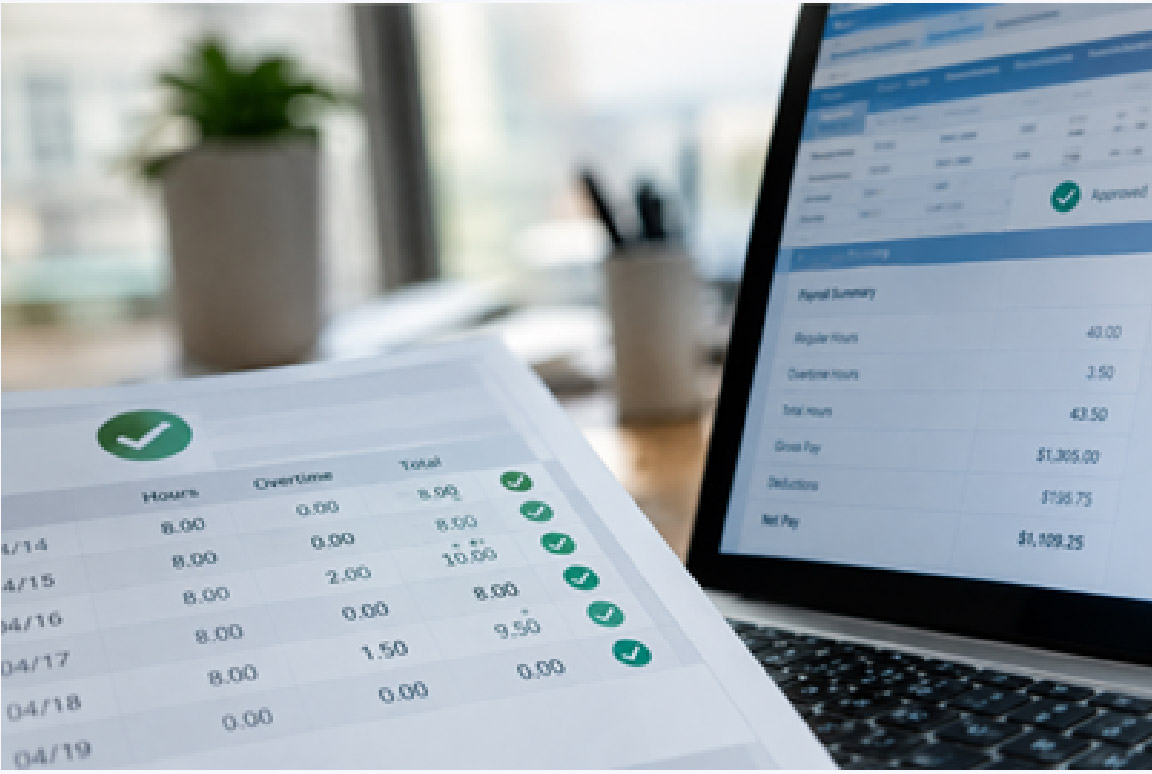
A connected workflow generally follows a straightforward sequence. Employees clock in and out, submit time, or record breaks and leave. Managers review missing punches, absences, schedules, and overtime. Once time is approved, those hours can move into payroll, where pay rules, deductions, taxes, and payments are processed.
- Employees enter time through a supported device or timesheet.
- Managers review timecards and resolve exceptions.
- Approved time is shared with payroll.
- Payroll administrators review results and submit payroll.
- Employees receive payment and can access relevant pay information.
ADP time and attendance tools may support mobile time entry, shared-device kiosks, scheduling, time-off requests, overtime monitoring, and timecard-status visibility. By reducing the need to re-key approved hours, the workflow can help payroll teams focus on unusual entries, policy questions, and final validation.
Features That Can Reduce Payroll Errors
Payroll technology is most effective when it combines automation with controls. ADP can help reduce repetitive work, but accurate pay still depends on correct employee setup, properly configured policies, and managers who approve time promptly. A connected platform gives administrators a clearer place to identify exceptions before payroll is finalized.
Important Features to Consider
- Automated calculations: Helps apply wages, deductions, and tax withholdings consistently.
- Time and attendance integration: Helps move approved hours into payroll processing.
- Employee self-service: Can give workers access to pay statements, time records, and time-off tools.
- Cloud access: Allows authorized users to work from supported web and mobile devices.
- Reporting: Supports payroll review, labor analysis, and documentation needs.
- Professional support: Gives employers access to assistance when payroll issues arise.
ADP Options for Different Business Sizes
Payroll needs change with workforce size, locations, pay groups, and regulatory complexity. ADP offers multiple payroll paths, so the right choice depends on the employer’s operating model and growth plans.
- Small businesses: RUN Powered by ADP® includes automated payroll, payroll tax filing support, and mobile access for employers that need a streamlined payroll experience.
- Growing organizations: ADP Workforce Now® is intended for businesses that need payroll alongside HR, time and attendance, benefits, reporting, and workforce management capabilities.
- Multistate employers: ADP payroll services can support employers managing payroll requirements across different jurisdictions.
- Global organizations: ADP also provides global payroll-related solutions for organizations coordinating payroll across countries.
Payroll Compliance Considerations
Compliance involves more than paying employees the correct amount. Employers may need to manage tax withholding, payment timing, employee forms, wage and hour requirements, payroll records, and state or local obligations. The IRS explains that employment taxes include federal income tax withholding, Social Security and Medicare taxes, and federal unemployment tax responsibilities.
ADP states that its payroll software stays current with federal requirements and rules across all 50 states. Still, the employer remains responsible for providing accurate worker information, classifying employees correctly, approving time, and meeting business-specific obligations. Multistate employers may also need to register where they employ people.
What to Evaluate Before Choosing Payroll Software
- Integration: Determine whether payroll connects with timekeeping, HR, benefits, accounting, and retirement systems.
- Accuracy controls: Look for visibility into missing time, unusual hours, and incomplete approvals.
- Scalability: Consider future employees, locations, pay groups, and jurisdictions.
- Employee access: Assess whether workers can review pay information and handle routine requests.
- Support and value: Compare available expertise, reporting, automation, and expected costs.
A Practical Implementation Path
- Document current payroll, timekeeping, HR, benefits, and accounting processes.
- Confirm pay schedules, overtime rules, deductions, tax jurisdictions, and approval steps.
- Clean employee, location, job, and pay-rate data before migration.
- Connect payroll with selected time and attendance tools.
- Test regular pay, overtime, bonuses, paid leave, deductions, and termination scenarios.
- Train administrators, managers, and employees, then review early payroll cycles for gaps.
Frequently Asked Questions
Does ADP integrate payroll with time and attendance?
Yes. ADP payroll can connect with ADP time and attendance solutions, so approved time data can flow into payroll workflows.
Can payroll software remove every payroll error?
No. Software can automate calculations and reduce duplicate entry, but employers still need accurate employee information, correct policy setup, and timely timecard approvals.
Which ADP product is intended for small businesses?
RUN Powered by ADP® is designed for small businesses that want automated payroll and payroll tax filing support.
Which ADP solution is intended for growing organizations?
ADP Workforce Now® is designed for growing organizations that need connected payroll, HR, time and attendance, reporting, and related workforce capabilities.
You May Also Read: How Startups Can Set Up Proper Bookkeeping in the UAE
